Introduction
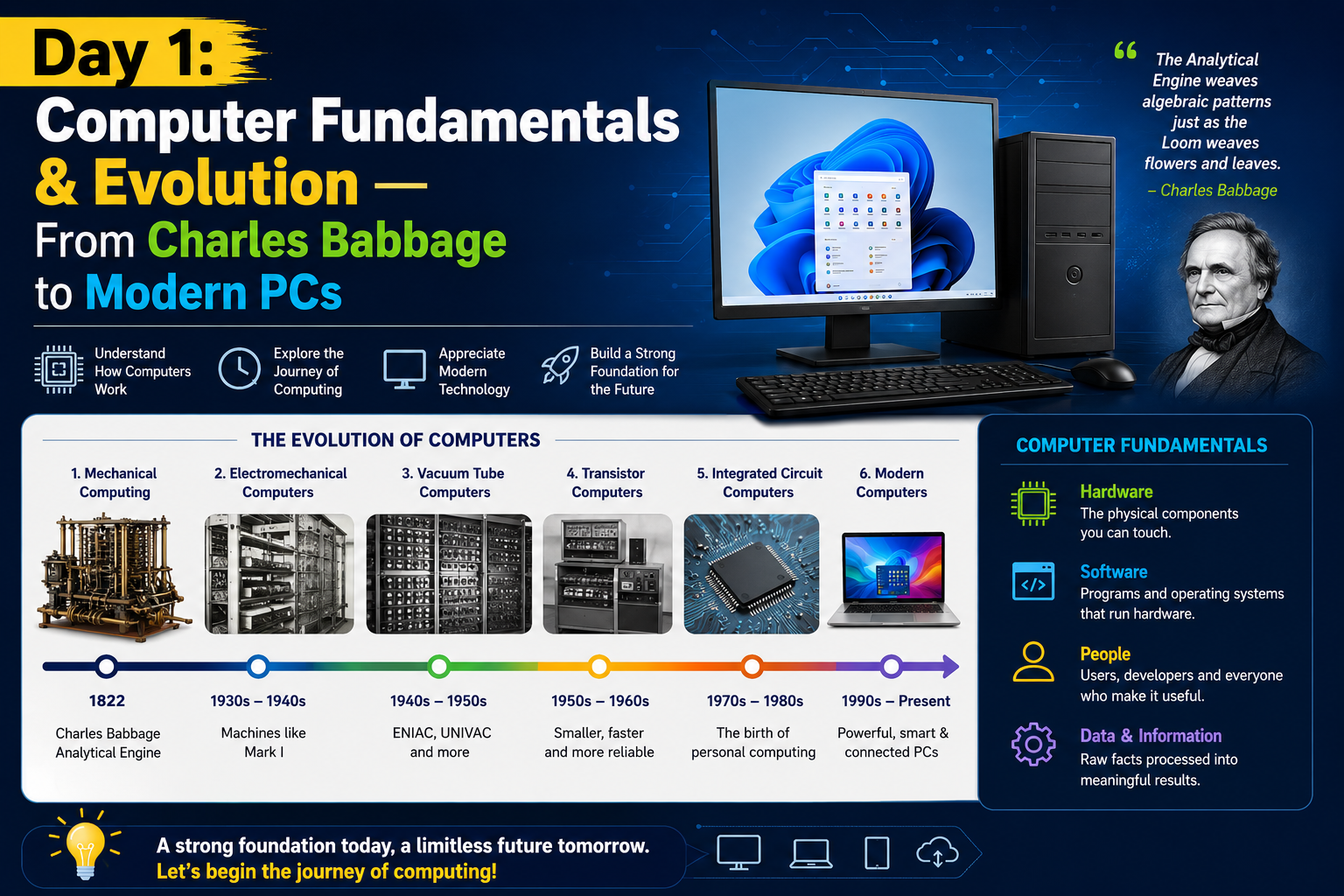
Before you touch a keyboard or open Windows, it helps to understand what a computer actually is — and how it evolved into the machine sitting in front of you today. In this Day 1 session, we cover the building blocks: what a computer does, how it evolved through five generations, the different types of computers, and the number systems that power everything under the hood.
1. What is a Computer?
A computer is an electronic device that takes input — numbers, text, sound, images, animations, video, etc. — processes it, and converts it into meaningful output that we can understand.
In simple terms:
Input → Process → Output
2. Evolution of Computers
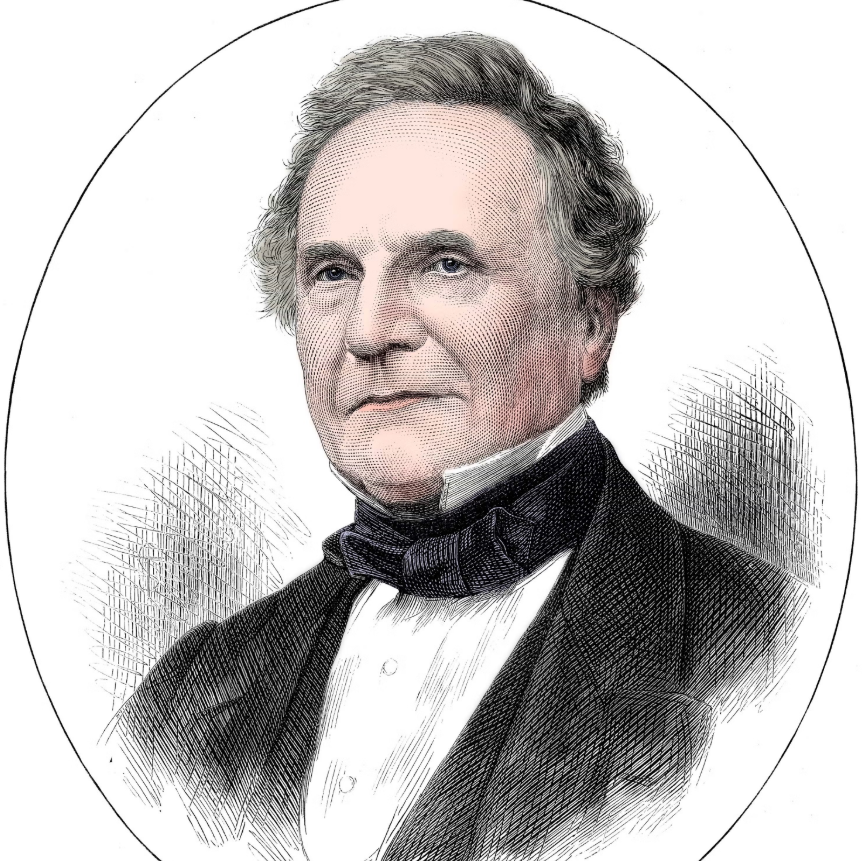
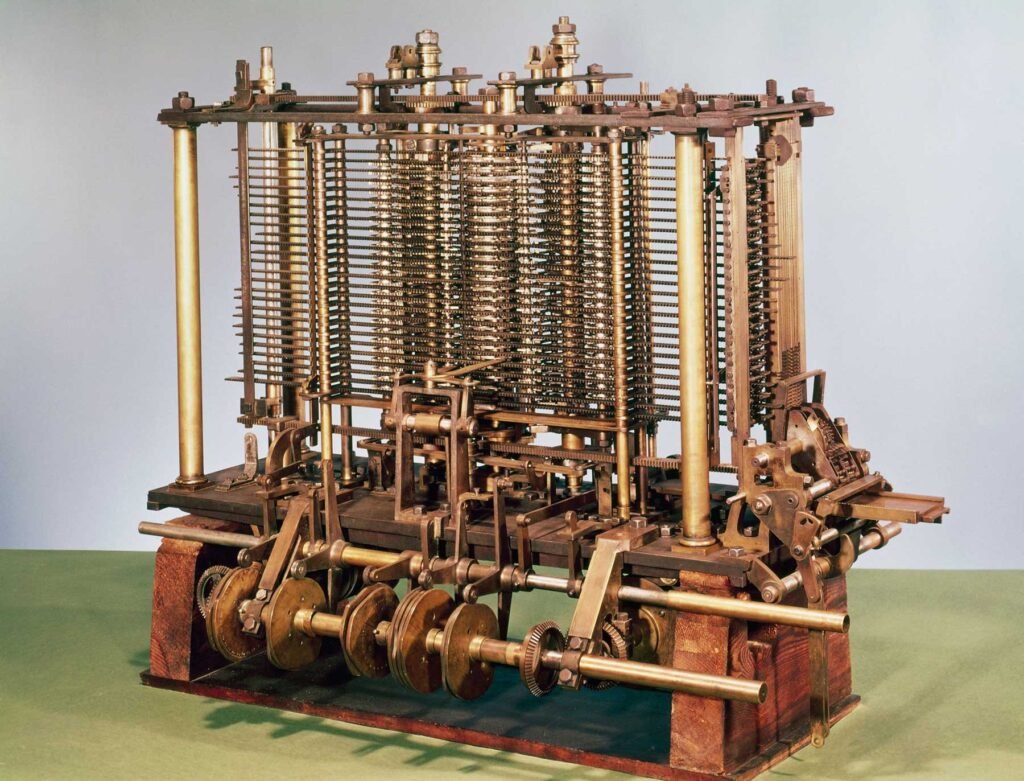
The story of the modern computer begins with one man: Charles Babbage.
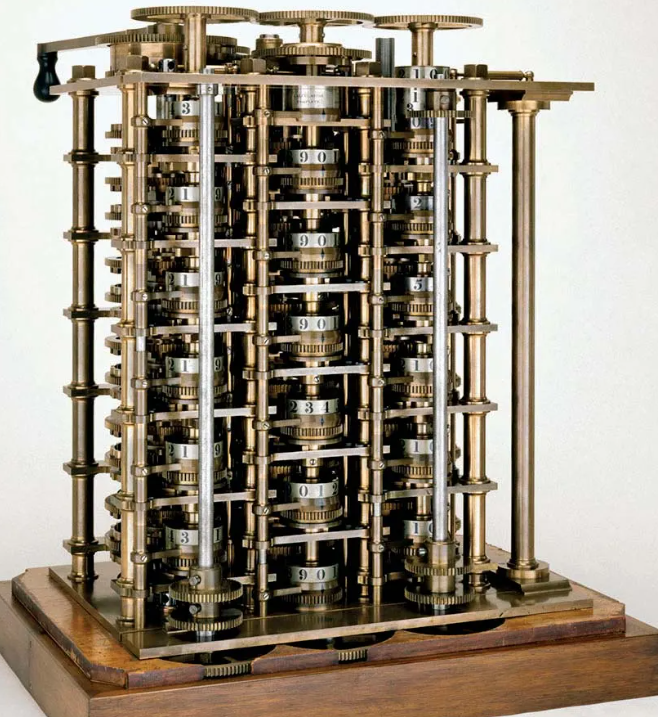
- In 1822, Babbage designed and built a model called the Difference Engine — a machine that could perform calculations without human intervention.
- In 1833, he designed the Analytical Engine, which had an arithmetic unit to perform calculations and a mechanism to store results and instructions.
- The technology behind the Analytical Engine laid the foundation for modern computers.
Because of these contributions, Charles Babbage is known as the Father of the Computer.
3. The Computer Generations
Computer generations describe the growth of the computer industry through changing hardware technologies.
First Generation (1942 – 1955)
- Used Vacuum Tubes
- Notable machines: ENIAC (Electronic Numerical Integrator and Calculator) and UNIVAC I (Universal Automatic Computer), developed by IBM
- Very large, slow input/output, and produced heavy heat
Second Generation (1955 – 1964)
- Used Transistors — small components made of semiconductor material
- Heat problems were minimized and computer size was reduced
Third Generation (1964 – 1975)
- Used Integrated Circuits (ICs) — large numbers of miniature transistors packed onto silicon chips
- Increased speed, reduced size and cost
Fourth Generation (1975 – Present)
- Used VLSI (Very Large Scale Integration) chips
- Faster, smaller, and more reliable machines — this era gave us the Personal Computer (PC)
Fifth Generation (Present & Beyond)
- Focused on Artificial Intelligence (AI)-based computing
- Modern examples: natural language processing, voice assistants, and machine learning-driven systems
4. Classification of Computers
Computers are broadly classified into four types:
- Micro Computer
- Mini Computer
- Mainframe Computer
- Super Computer
Micro Computer
A Micro Computer uses a microprocessor as its Central Processing Unit (CPU) and is designed for individual use. Today, these are simply called Personal Computers (PCs).
Micro computers are further classified into:
Desktop PC — A personal computer sufficient to fit on a desk.
Portable PC — A personal computer designed to be moved from place to place. Types include:
- Laptop
- Notebook
- Palmtop (Handheld)
- Wearable
Mini Computer
A medium-sized computer, usually designed to serve multiple users simultaneously. Commonly used by small businesses and firms for specific purposes.
Mainframe Computer
Computers with large storage capacities and very high processing speeds, typically used as central host computers in distributed data processing systems.
Super Computer
Machines with the largest storage capacity and highest computing speeds, mainly used for large-scale numerical problems in scientific and engineering fields — such as weather analysis.
5. Parts of a Desktop Computer
The essential components of a desktop computer include:
- CPU (Central Processing Unit)
- Monitor
- Keyboard
- Mouse
- SMPS (Power Supply)
- Storage Devices (Hard Disk / SSD)
Modern additions to know: SSD (Solid State Drive), Webcam, USB-C ports
6. Numbering System
Computers don’t understand human language directly — they operate using number systems, mainly:
- Binary (Base 2) — the language computers actually use (0s and 1s)
- Decimal (Base 10) — the number system humans use
- Hexadecimal (Base 16) — commonly used in programming and memory addressing
7. ASCII Code
ASCII stands for American Standard Code for Information Interchange.
Since computers can only understand binary numbers, ASCII code provides the numerical representation of each character — allowing text to be stored and processed as binary data.
8. Byte Calculation Chart
Understanding data size is fundamental to computing:
| Unit | Equals |
|---|---|
| 1 Byte | 8 Bits |
| 1 KB (Kilobyte) | 1024 Bytes |
| 1 MB (Megabyte) | 1024 KB |
| 1 GB (Gigabyte) | 1024 MB |
| 1 TB (Terabyte) | 1024 GB |
| 1 PB (Petabyte) | 1024 TB |
Key Takeaways from Day 1
- A computer works on the Input → Process → Output principle
- Charles Babbage is regarded as the Father of the Computer
- Computers have evolved through 5 generations, from vacuum tubes to AI
- Computers are classified as Micro, Mini, Mainframe, and Super
- Binary, ASCII, and byte calculations form the numerical backbone of computing
Next up — Day 2: The History of Windows, Microsoft, Bill Gates, and How to Use Your First Windows Applications.