1.Introduction
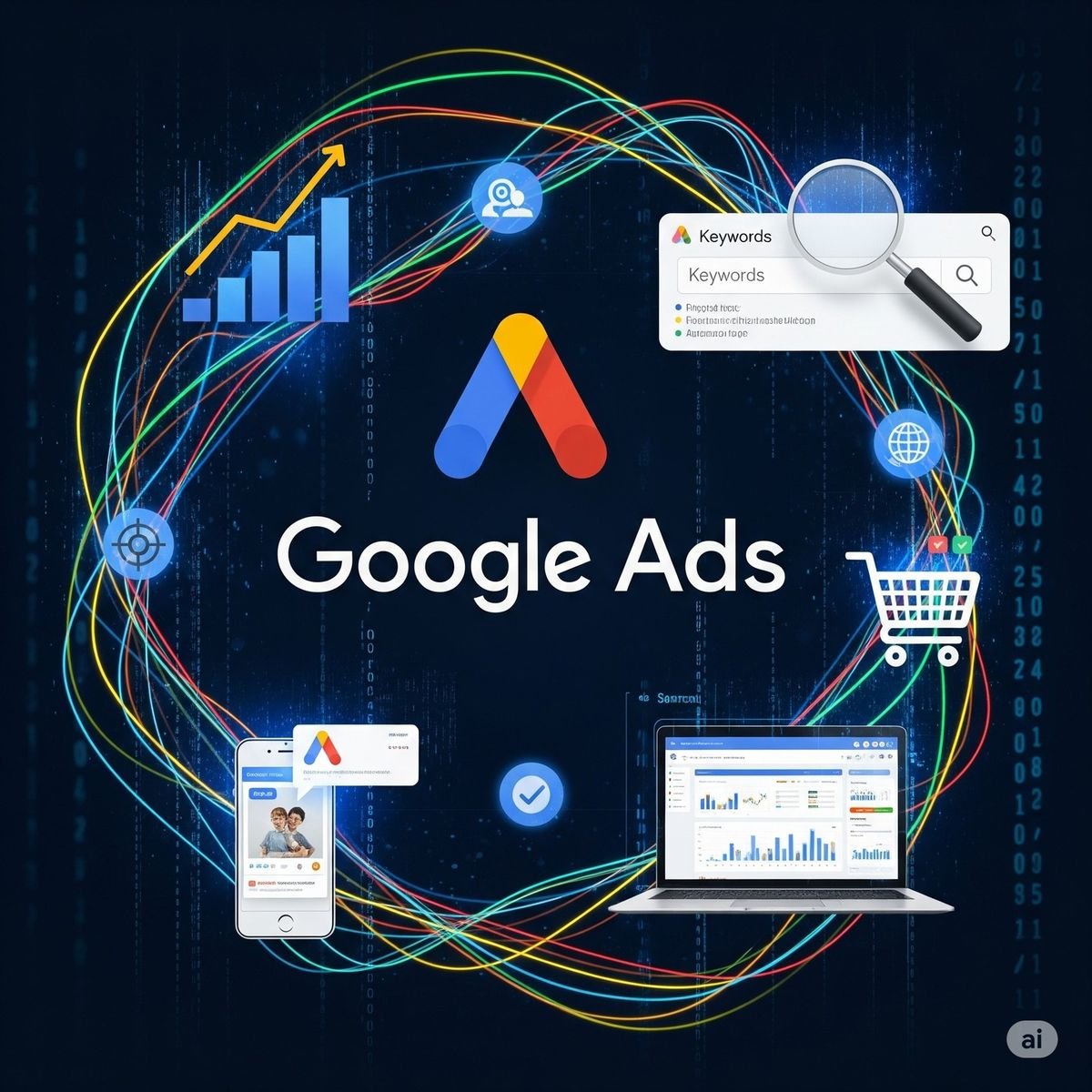
What is Google Ads?
Google Ads is an online advertising platform by Google.
It helps businesses show their ads on Google when people search for something.
Simple Example
If someone types:
“bridal makeup artist near me”
Your ad can appear at the top of the search results.
How it works
- You choose keywords (like “bridal makeup”)
- You create a small ad
- You set a budget
- Your ad shows when people search those keyword
Payments
You pay only when someone clicks your ad
(This is called Pay-Per-Click – PPC)
Why businesses use it
- Get more leads
- Reach people who are already interested
- Grow business faster
2.Know More About Google Ads
Meta Ads
Google Ads works on intent
People already searching = “I need this NOW”
Types of Google Ads
- Search Ads
Show on Google search results
✔ Best for leads & conversions - Display Ads
Banner ads on websites
✔ Good for awareness - YouTube Ads
Video ads on YouTube
✔ Storytelling + branding - Shopping Ads
Product images with price
✔ Best for eCommerce
Targeting Style
- Keywords (what people search)
- Location
- Device
- Time
When Google Ads Wins
- “Bridal makeup near me”
- “Car detailing service”
- “Plot for sale in Chennai”
High buying intent → High conversion
Meta Ads
Meta Ads works on attention
People are scrolling, not searching
Types of Meta Ads
- Feed Ads (Facebook + Instagram)
- Reels Ads
- Story Ads
- Carousel Ads
Targeting Style
- Interests (makeup, fitness, real estate)
- Behavior
- Age, gender
- Custom audience (retargeting)
Google Ads vs Meta Ads
| Factor | Google Ads | Meta Ads |
|---|---|---|
| User Mindset | Searching | Scrolling |
| Intent | High | Medium |
| Best For | Leads, sales | Awareness, engagement |
| Targeting | Keywords | Interests & behavior |
| Speed of Results | Fast conversions | Takes nurturing |
| Creative Need | Low | High (videos/images) |
Simple One-Line Difference
Google Ads = Demand Capture
Meta Ads = Demand Creation
3.Create Google Ad Account
Step 1: Go to Google Ads Website
Open: https://ads.google.com
Click “Start Now”
Step 2: Sign in with Gmail
- Use your existing Gmail
- Or create a new one for business
Tip: Always use business email
Step 3: Switch to Expert Mode
Google will show a simple setup
Scroll and click: “Switch to Expert Mode”
This gives you full control
Step 4: Create Account Without Campaign
Click: “Create an account without a campaign”
Why?
You can setup everything properly later instead of rushing ads
Step 5: Set Business Information
Fill carefully:
- Country → India
- Currency → INR (₹)
- Time Zone → India
Cannot change later, so choose correctly
Step 6: Submit & Enter Dashboard
Click Submit
You’ll land inside Google Ads dashboard
Step 7: Add Billing Details
- Go to Tools & Settings → Billing
- Add:
- Card / UPI / Net Banking
- Billing address
Step 8: You’re Ready to Run Ads
Now you can create:
- Search campaigns
- Lead generation ads
- Local business ads
4.Create Google Business Profile
Step 1: Go to Google Business Profile
Open: https://www.google.com/business/
Click “Manage Now”
Step 2: Sign in with Gmail
- Use your business Gmail
- Same Gmail you use for ads is better
Step 3: Enter Business Name
Type your business name
Example: Tea Time (your idea)
- If already exists → claim it
- If not → create new
Step 4: Choose Business Category
Example:
- Tea shop
- Makeup artist
- Digital marketing service
Choose the most relevant category (helps ranking)
Step 5: Add Location
If you have shop → add address
- If service-based → choose “I deliver to customers”
Step 6: Add Contact Details
- Phone number
- Website (optional)
Step 7: Verify Your Business
Google will verify using:
- Postcard
- Phone / Email
- Video verification
Without verification → profile won’t go live
Step 8: Optimize Your Profile
Once verified, add:
- Photos (very important 📸)
- Business hours
- Services
- Description
- Offers
Pro Tips
✔ Add real photos
✔ Ask customers for reviews
✔ Use keywords in description
✔ Post updates weekly (offers, reels, etc.)
Simple Understanding
Google Ads = Paid traffic
Google Business Profile = Free local traffic
5.Google Ads Launch Checklist
1. Goal Clarity
What is your goal?
- Leads
- Website sales
- Traffic
If goal is unclear → results will be random
2. Keyword Research
Choose high intent keywords
Examples:
- “bridal makeup artist near me”
- “car detailing service price”
Use:
- Phrase match
- Exact match
Avoid broad keywords (waste budget)
3. Ad Copy Ready
Headline should include keyword
Add strong CTA:
- Call Now
- Book Now
- Get Quote
Use emotional trigger:
“Limited slots available”
4. Landing Page Check
Page should match ad
Fast loading
Mobile friendly
Clear CTA button
5. Location Targeting
Target correct city/area
Exclude unwanted locations
Example: Only Chennai, not entire India
6. Budget & Bidding
Start with small budget (₹1000/day)
Choose:
- Maximize Conversions
7. Conversion Tracking
Setup:
- Form submit
- Call tracking
- WhatsApp click
8. Final Check Before Launch
Spelling errors
Links working
Targeting correct
Budget set
9. After Launch
Check after 24–48 hours
Pause bad keywords
Optimize winning ads
6.Google Ads Objectives & performance Type
Inside Google Ads, the objective = your goal
Main Objectives
1. Leads (Most important for you)
- Get calls, form fills, WhatsApp leads
- Best for: makeup artists, salons, services
Use this 80% of the time
2. Sales
- Website purchases
- Best for eCommerce
3. Website Traffic
- Bring visitors to site
- Not focused on conversions
4. Brand Awareness & Reach
- Show ads to more people
- Not for immediate sales
5. App Promotion
- Get app installs
6. Local Store Visits
- Drive people to shop location
Campaign / Performance Types
This is where most beginners get confused
1. Search Campaign (Best for leads)
- Ads show on Google search
- Triggered by keywords
High intent = high conversion
Best for:
- Makeup artist
- Car detailing
- Local services
2. Display Campaign
- Banner ads on websites
Good for awareness, not direct leads
3. Video Campaign (YouTube)
- Ads on YouTube
Good for branding + storytelling
4. Shopping Campaign
- Product image + price
Best for eCommerce
5. Performance Max (PMax)
- Runs ads everywhere:
- Search
- Display
- YouTube
- Gmail
Automated by Google
Which One You Should Use
For Your Target Clients
Always start with:
Search Campaign + Leads Objective
Why?
- People are already searching
- Faster results
- Easier to close clients
Simple Way to Explain to Client
You can say this
There are 2 types of people:
- People searching → we capture them (Google Search Ads)
- People scrolling → we attract them (Meta Ads)