The Complete Guide to Free Digital Assets: Your Creative Toolkit
Introduction
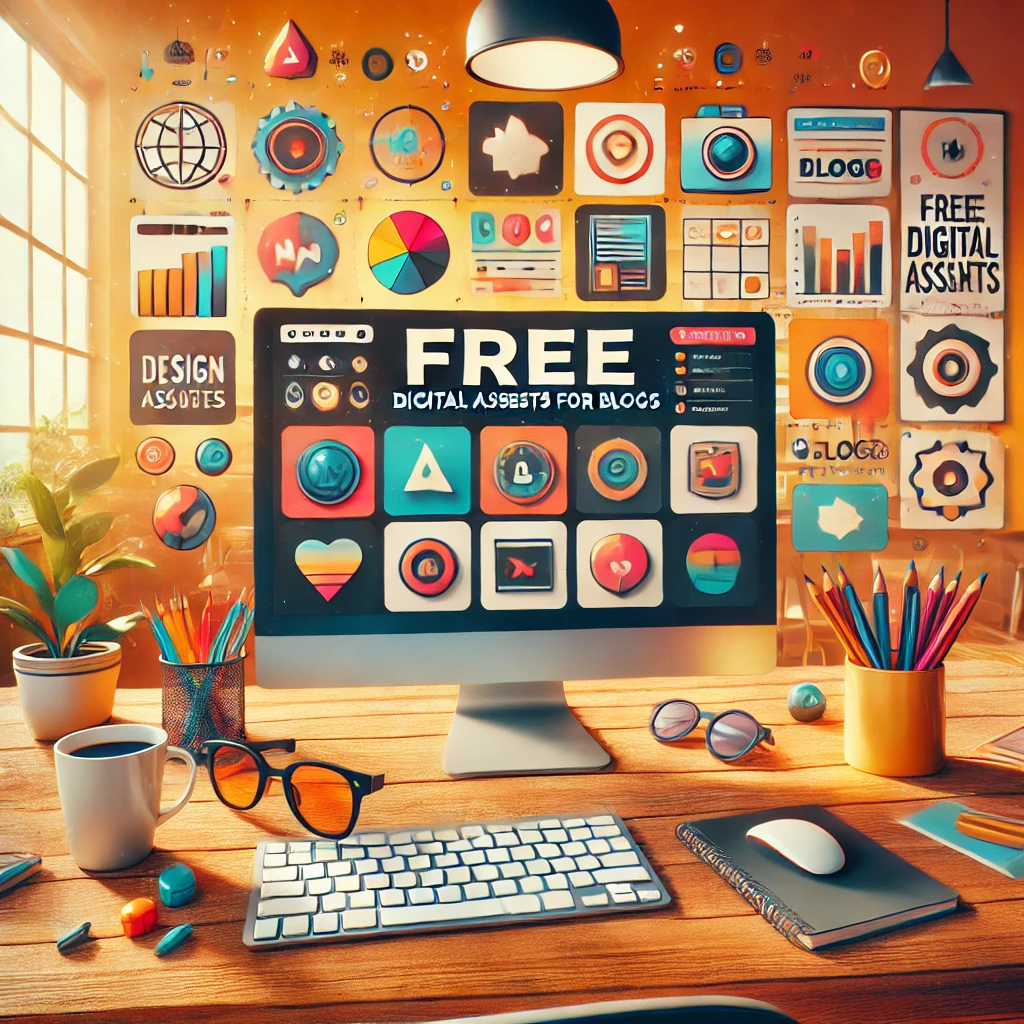
In the digital age, content creation is king, but the cost of high-quality assets can be a significant barrier. Whether you’re a blogger, marketer, student, or creative professional, this comprehensive guide will reveal how to find, use, and leverage free digital assets without breaking the bank or risking copyright issues.
Understanding Digital Asset Licenses
What Are Free Assets?
- Public Domain: Completely free to use with no restrictions
- Creative Commons: Free to use with some conditions
- Royalty-Free: One-time payment for unlimited use
- Attribution-Required: Must credit the original creator
Website Link for all the Free Resources are hidden inside this blog – Find it out !!!
Top Platforms for Free Images
1. Unsplash
- Features:
- High-resolution professional photographs
- No attribution required
- Covers wide range of categories
- Best For: Photography, design projects, social media
2. Pexels
- Highlights:
- Free stock photos and videos
- Easy search and filter options
- Regular updates with new content
- Ideal For: Marketing materials, blogs, presentations
3. Pixabay
- Advantages:
- Massive library of images, illustrations, vectors
- Completely free commercial use
- No attribution necessary
4. Canva’s Free Image Library
- Benefits:
- Integrated design tools
- Curated collections
- Easy editing capabilities
Free Video Resources
1. Videvo
- Offerings:
- Free stock footage
- Motion graphics
- Video backgrounds
- Usage: YouTube content, marketing videos, presentations
2. Mixkit
- Features:
- Free HD video clips
- No copyright restrictions
- Diverse video categories
3. Coverr
- Specialties:
- Website background videos
- Short, high-quality clips
- Modern and professional aesthetics
Royalty-Free Music Platforms
1. YouTube Audio Library
- Advantages:
- Completely free
- Categorized by genre and mood
- Direct download
- Best For: YouTube content, podcasts, presentations
2. Free Music Archive
- Highlights:
- Curated by music experts
- Various genres
- Clear licensing information
3. Bensound
- Features:
- Royalty-free music tracks
- Easy categorization
- Different licensing options
Sound Effect Resources
1. Freesound
- Offerings:
- User-contributed sound effects
- Comprehensive tagging system
- Community-driven platform
2. ZapSplat
- Benefits:
- Extensive sound effect library
- Quick download process
- Multiple categories
Pro Tips for Using Free Assets
1. Always Check Licensing
- Read the fine print
- Understand usage restrictions
- Provide attribution when required
2. Download in Highest Quality
- Choose high-resolution files
- Consider future scaling needs
3. Customize and Personalize
- Use editing tools to make assets unique
- Combine multiple free resources
4. Maintain Consistency
- Choose assets with similar style and tone
- Create a cohesive visual brand
Bonus: Creating Your Own Assets
Free Creation Tools
- Canva: Graphic design
- GIMP: Photo editing
- Audacity: Audio editing
- DaVinci Resolve: Video editing
Legal Considerations
- Always verify current licensing terms
- Keep download receipts or links to license agreements
- Respect creator guidelines
Conclusion: Unleash Your Creativity
Free digital assets have democratized content creation. With these resources, you can produce professional-quality content without expensive subscriptions or copyright risks.
Remember: Creativity isn’t about having the most expensive tools, but about how innovatively you use what’s available!
Quick Reference Checklist
- ✅ Check licensing terms
- ✅ Download high-quality files
- ✅ Customize and personalize
- ✅ Attribute when required
- ✅ Explore multiple platforms
Start Creating, Stay Inspired!
Images:
- Unsplash: https://unsplash.com/
- Pexels: https://www.pexels.com/
- Pixabay: https://pixabay.com/
- Freepik: https://www.freepik.com/
- Canva: https://www.canva.com/
Videos:
- Videvo: https://www.videvo.net/
- Mixkit: https://mixkit.co/
- Coverr: https://coverr.co/
Music:
- YouTube Audio Library: https://studio.youtube.com/channel/MUSIC
- Free Music Archive: https://freemusicarchive.org/
- Bensound: https://www.bensound.com/
Sound Effects:
- Freesound: https://freesound.org/
- ZapSplat: https://www.zapsplat.com/
Editing Tools:
- Canva: https://www.canva.com/
- GIMP: https://www.gimp.org/
- Audacity: https://www.audacityteam.org/
- DaVinci Resolve: https://www.blackmagicdesign.com/products/davinciresolve/